Booking & dispatch
- Book and print LRs. Apply freight rates by lane, customer and vehicle.
- Manage customers, consignors, consignees, vendors, brokers and routes.
- Assign vehicles. Issue hire challans with advances, deductions and TDS.
Transport software for India
Book loads, dispatch trucks, capture proof of delivery and collect payments in Bharat Fleet.
For owned and hired fleets, across branches.
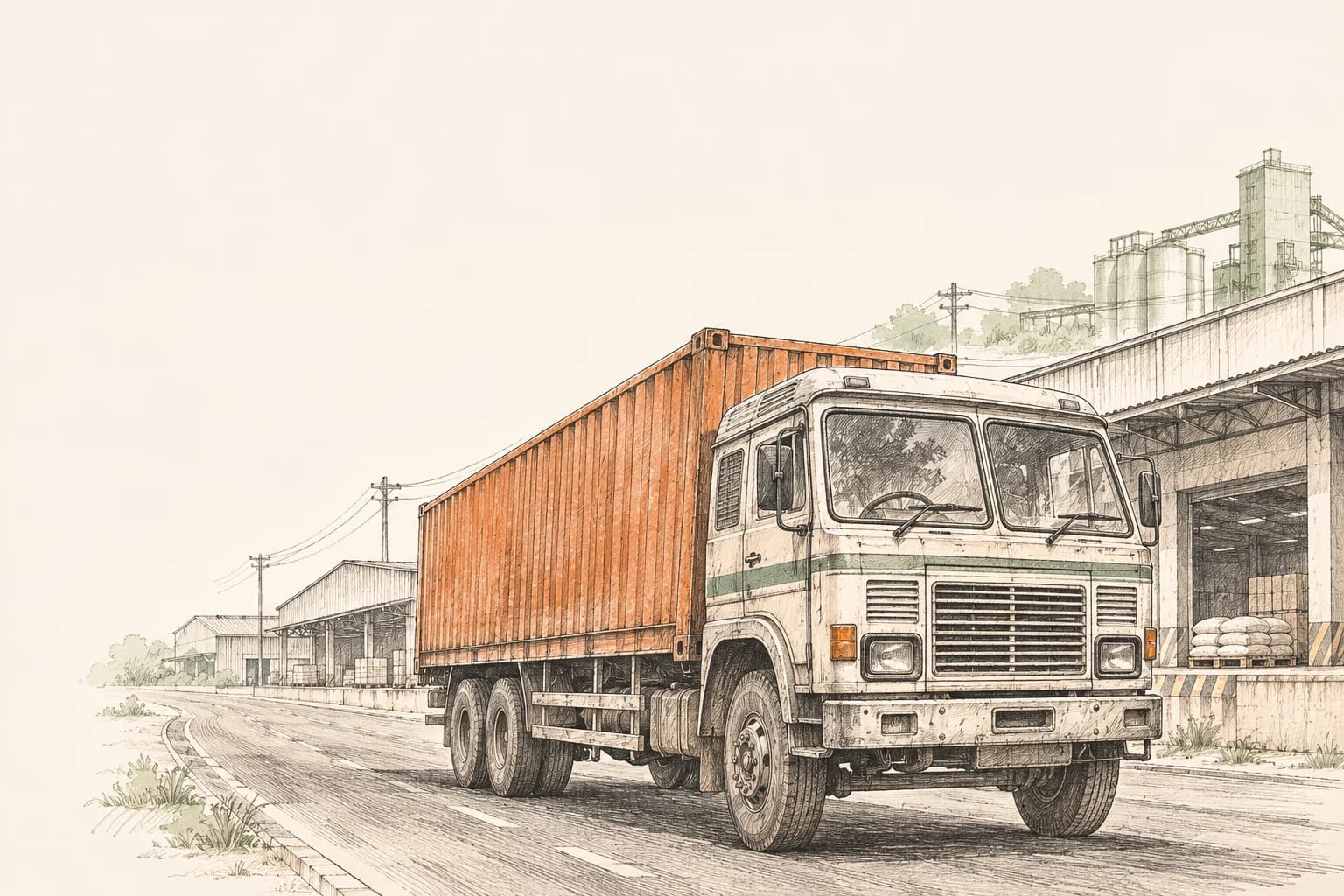
How it works
LR/AHD/26-27/00042
In transit
Trip handoffs
See what Bharat Fleet updates automatically and where your team takes over.
Driver action
Driver shares GPS or enters a place.
Vadodara · 10:42 am
Automatic update
Logs the check-in and matches route checkpoints.
Checkpoint reached
Outcome
Dispatch and customers see the last check-in.
Last seen near Vadodara
The platform
Dispatch, accounts, fleet and payroll.
On the road
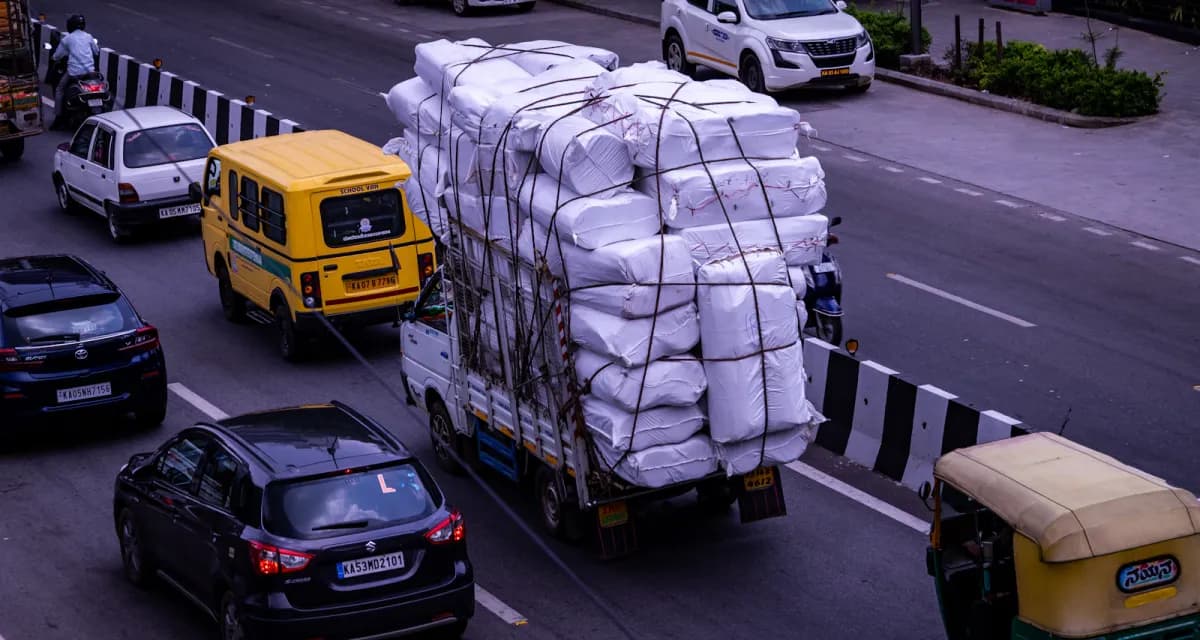
Local deliveries
Group LRs on one trip and record proof for each delivery. Use local hire challans to track costs, advances and deductions.
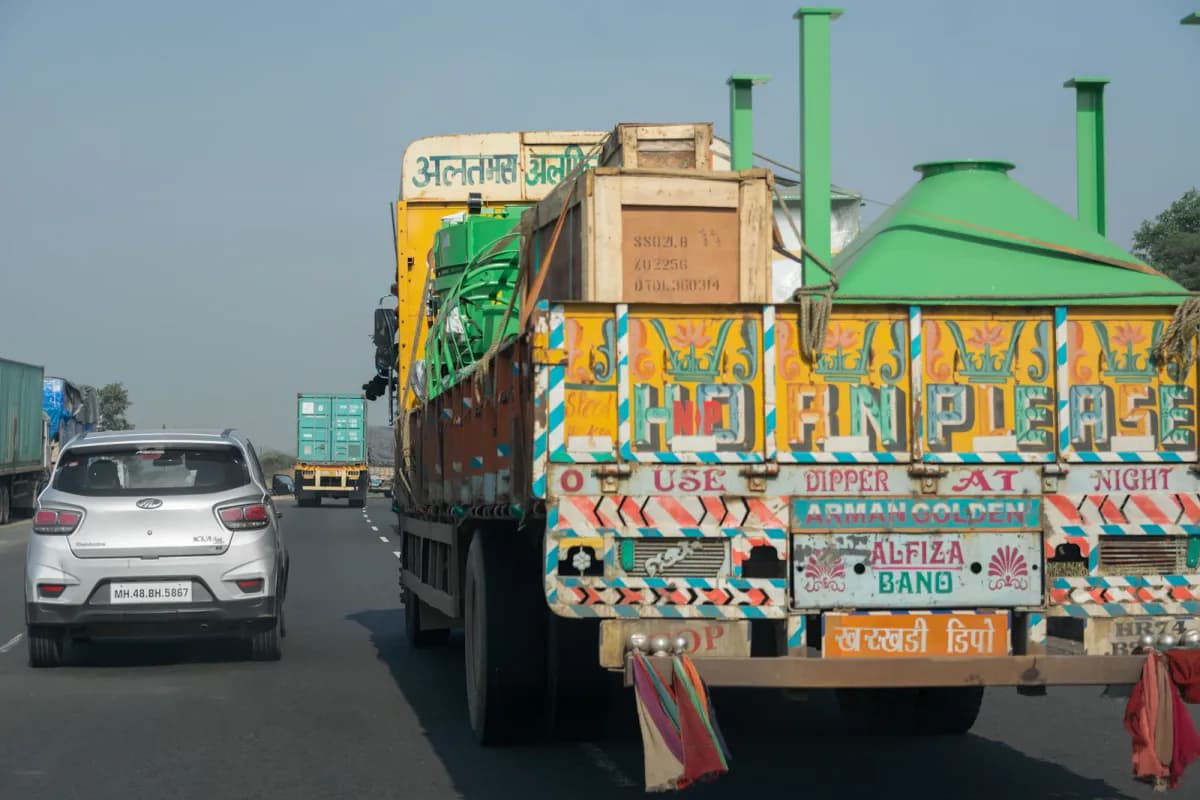
Line-haul trips
Set an ETA, follow driver or GPS updates, and flag expiring e-way bills while the truck is on the road.
At the transport office
Dispatch
Check the last location and ETA. The trip board flags delays and missed updates separately.
Accounts
Record the advance on the LR. The invoice applies it and shows the balance due after POD submission.
Workshop
Open a job card to mark the truck off the road and log costs. Close the job to update the next service date or odometer reading.
For owners and accounts
See freight, fuel, approved expenses and hire on one trip. Compare cost per kilometre and fuel efficiency by vehicle.
Driver & customer access
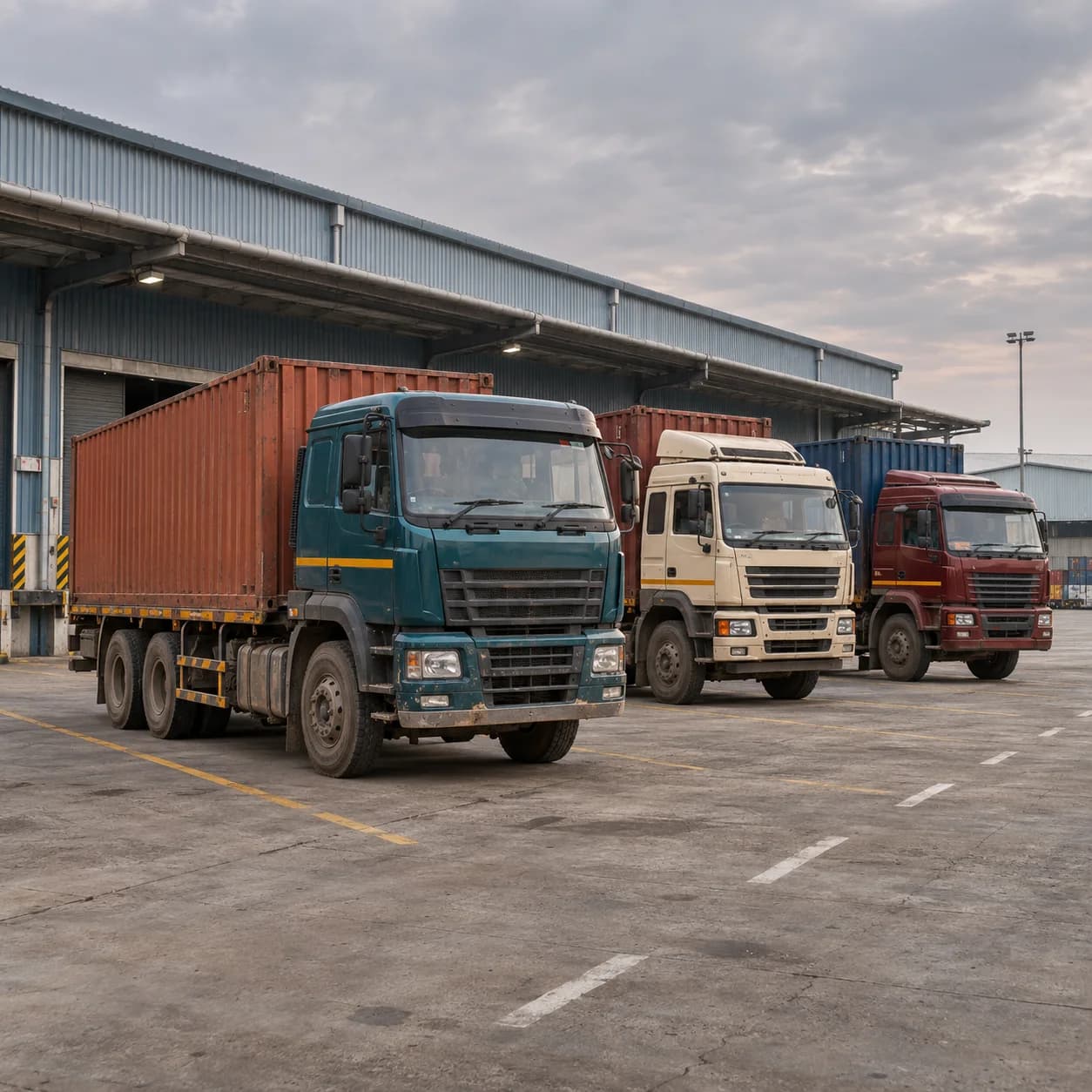
Drivers sign in with a mobile number and PIN to start trips, share locations and capture delivery proof.
Customers can track shipments, download delivery proof and see outstanding or overdue invoices.
Pricing
Choose a setup. We’ll quote for your fleet size and branches and confirm billing terms.
For daily bookings and deliveries.
Custom quote
For owned fleets, hired fleets or both.
Custom quote
For teams that work across branches.
Custom quote
FAQs
Drivers can check in from their phones. For continuous tracking, connect a compatible GPS device or provider.
Yes. Manage both in one register. Issue hire challans, track advances and deductions, and pay vendors.
Record advances before delivery. Once the shipment is delivered and its POD is uploaded and marked submitted, collect the remaining balance.
Yes. Branch users see their own records. Head-office users can see across branches. Roles control what each user can change.
Request a demo
Tell us about your fleet and what you’d like to see.
info@innovativus.in